Rhino Plugin
Interface Guide
The FastRender plugin interface is designed to be intuitive and efficient. This guide covers all the interface elements and how to use them.
Opening the Interface
To open FastRender in Rhino:
- Type
FastRenderin the command line, or - Access it from the menu: Tools > FastRender
The FastRender panel will appear in Rhino.
Main Interface Elements
Generate Tab
The Generate tab is the main section of the plugin where you configure your render:
Preview
In this section you can see your current selected scene of your 3D model
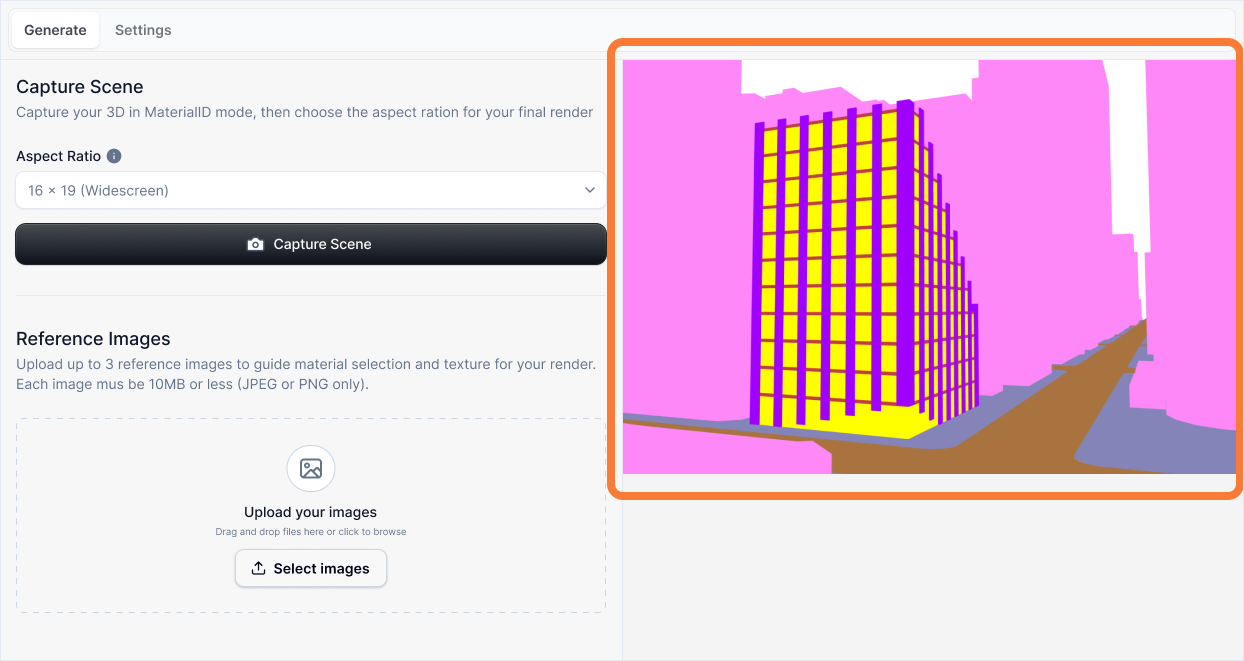
Learn more about the Preview Section here
Aspect Ration
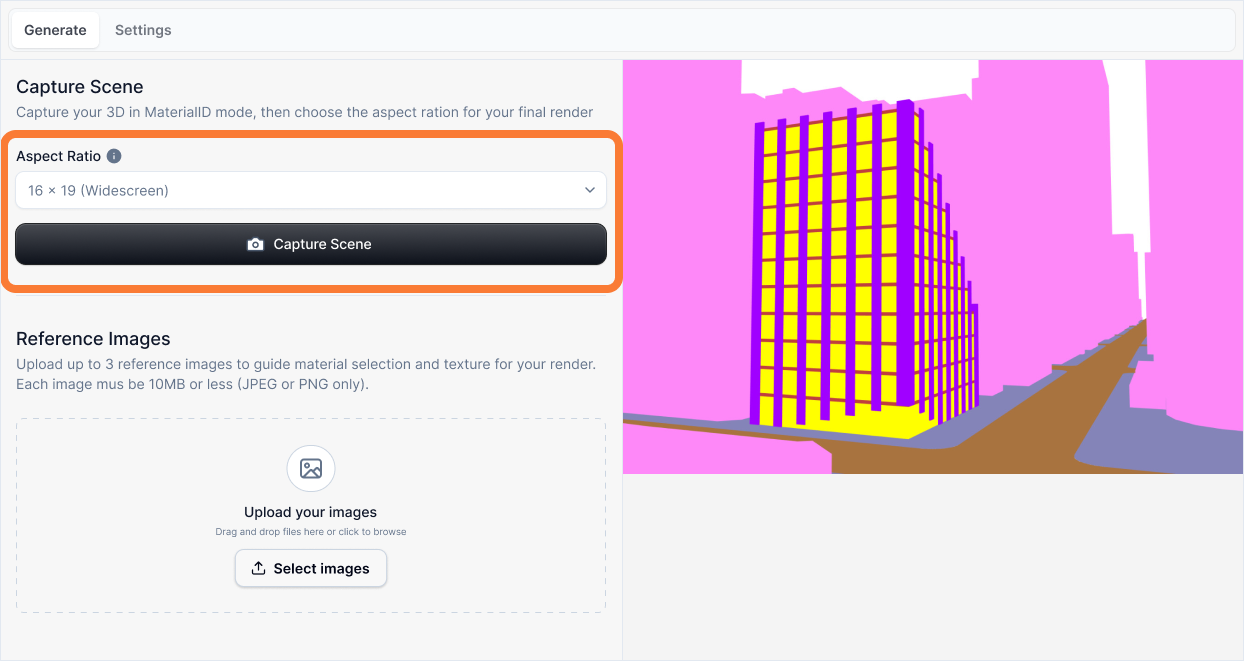
Learn more about the Aspect Ratio dropdown here
References Images
Learn more about the Reference uploads here
Subject
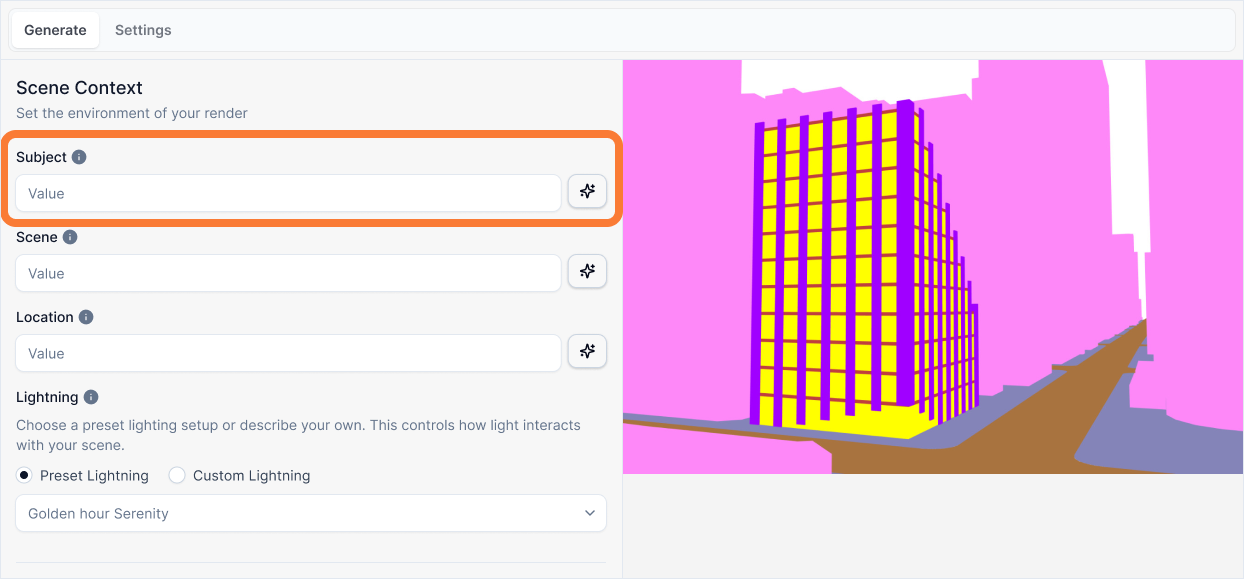
Learn more about the Subject input here
Scene
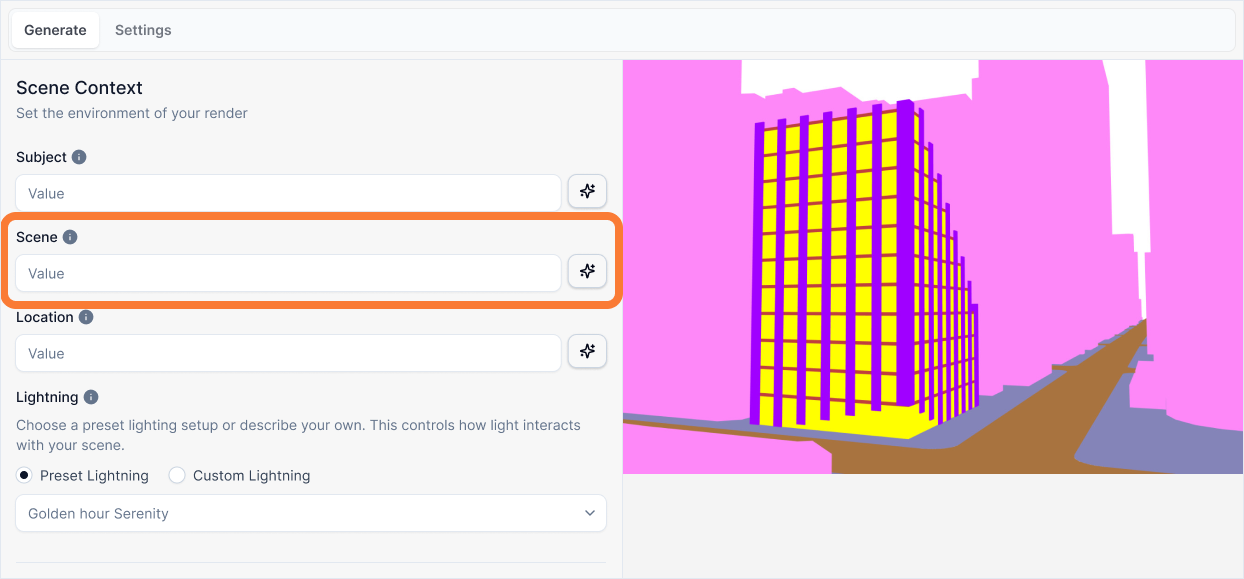
Learn more about the Scene input here
Location
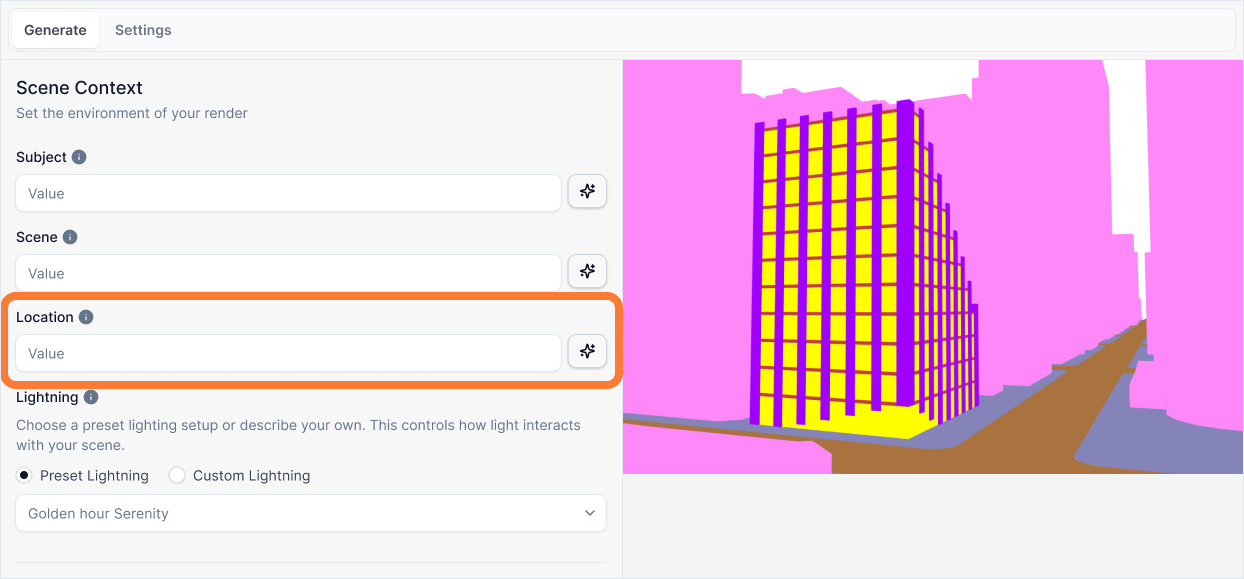
Learn more about the Location input here
Lighting
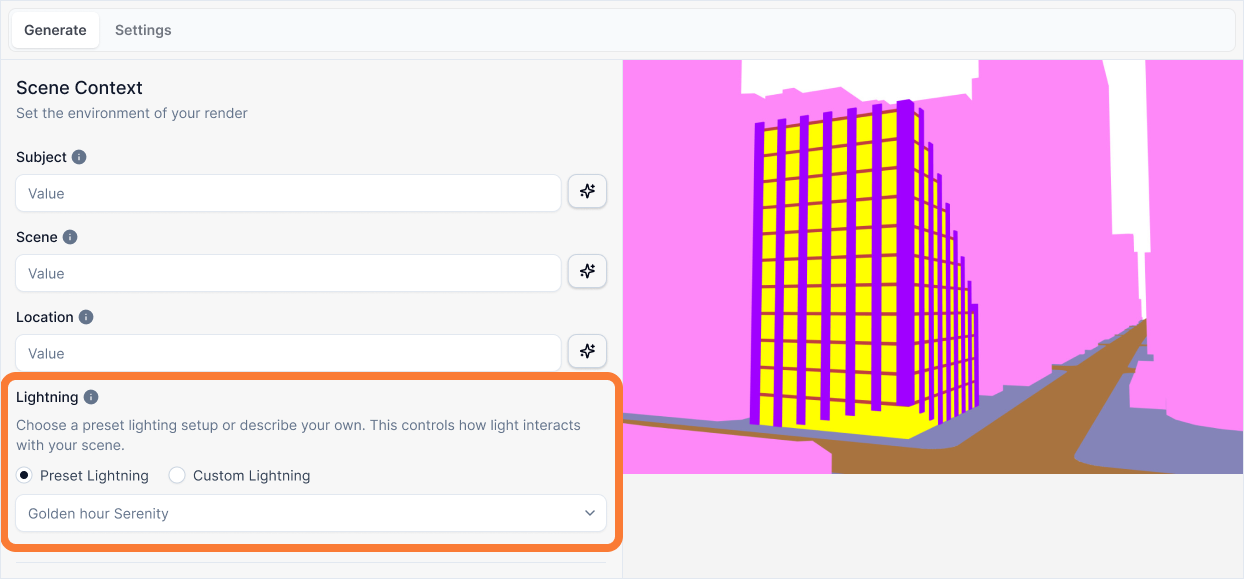
Learn more about the Lighting dropdown here
Layers
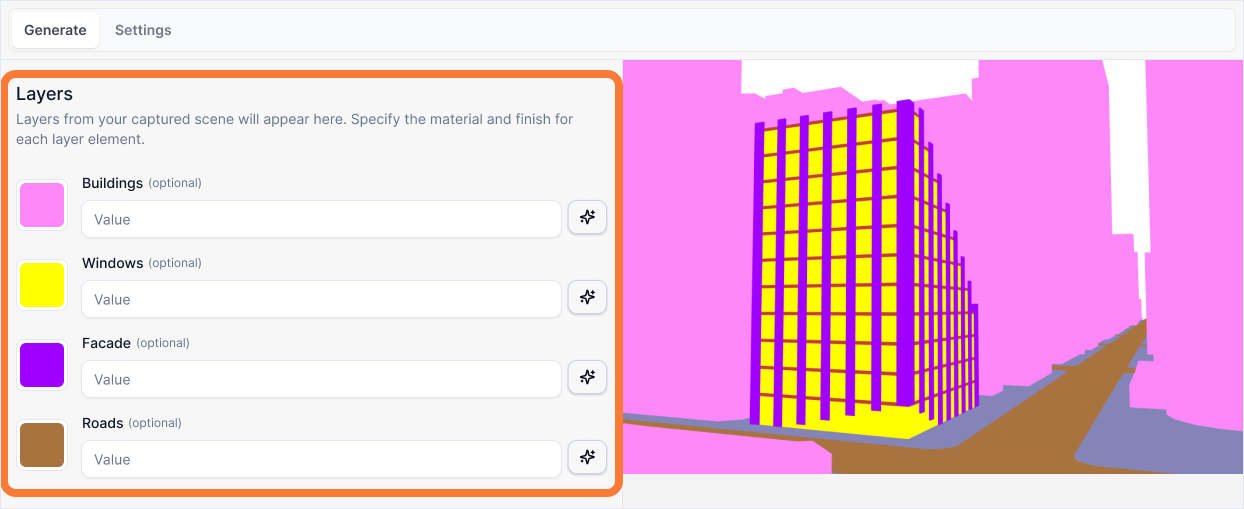
Learn more about the Layers inputs here
Style
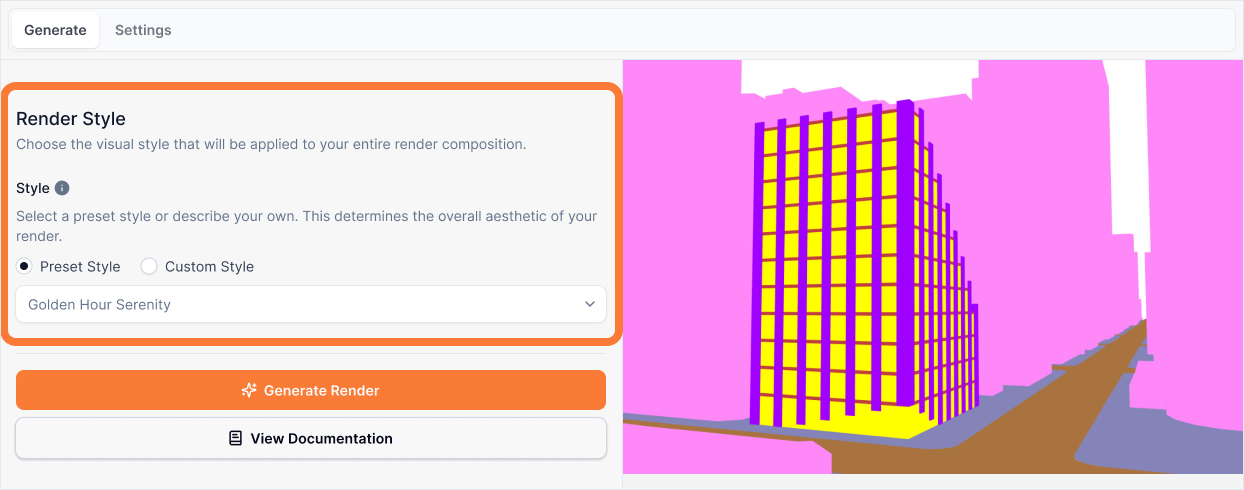
Learn more about the Style dropdown here
Generate
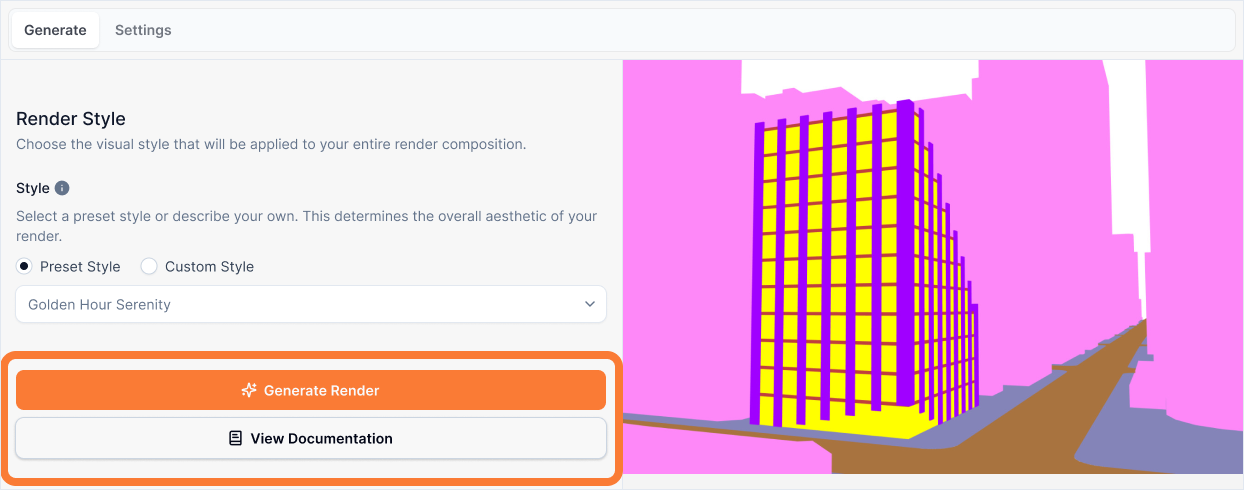
Learn more about the Generate button here
Settings Tab
Api Key
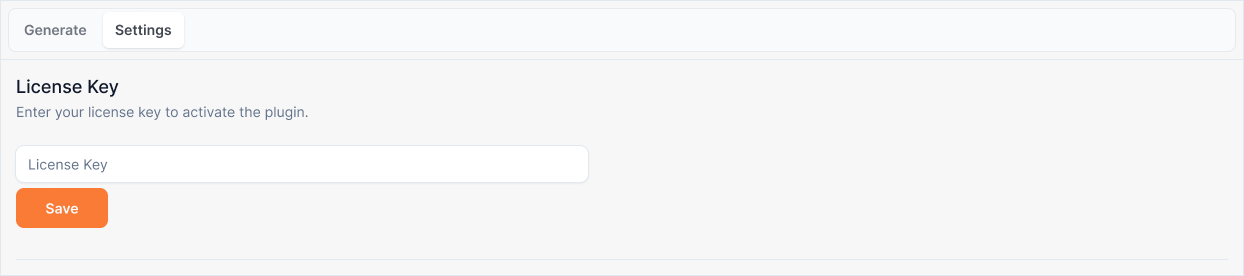
Learn more about the Api Key input here